

Notifications For Team
The Notifications feature allow you to manage how and when you receive email updates from RocketLevel. You can set separate notification configurations for different events, as well as different recipients.
To configure the social notifications for team members:
- Navigate to the dropdown menu on the top right corner and select “General Settings”
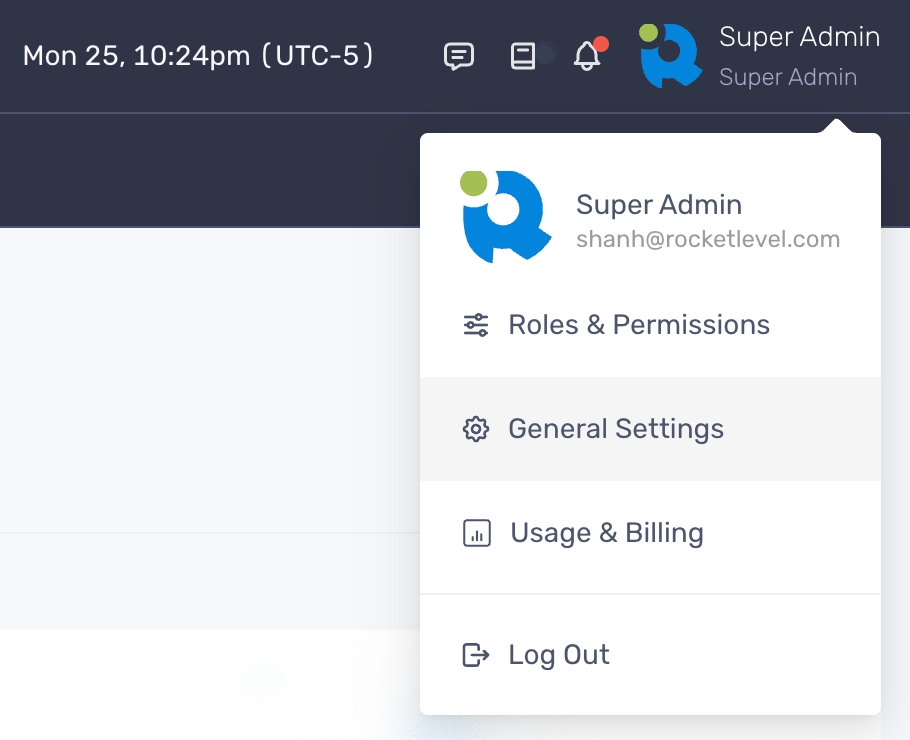
- On General Settings, select Advanced > Notifications
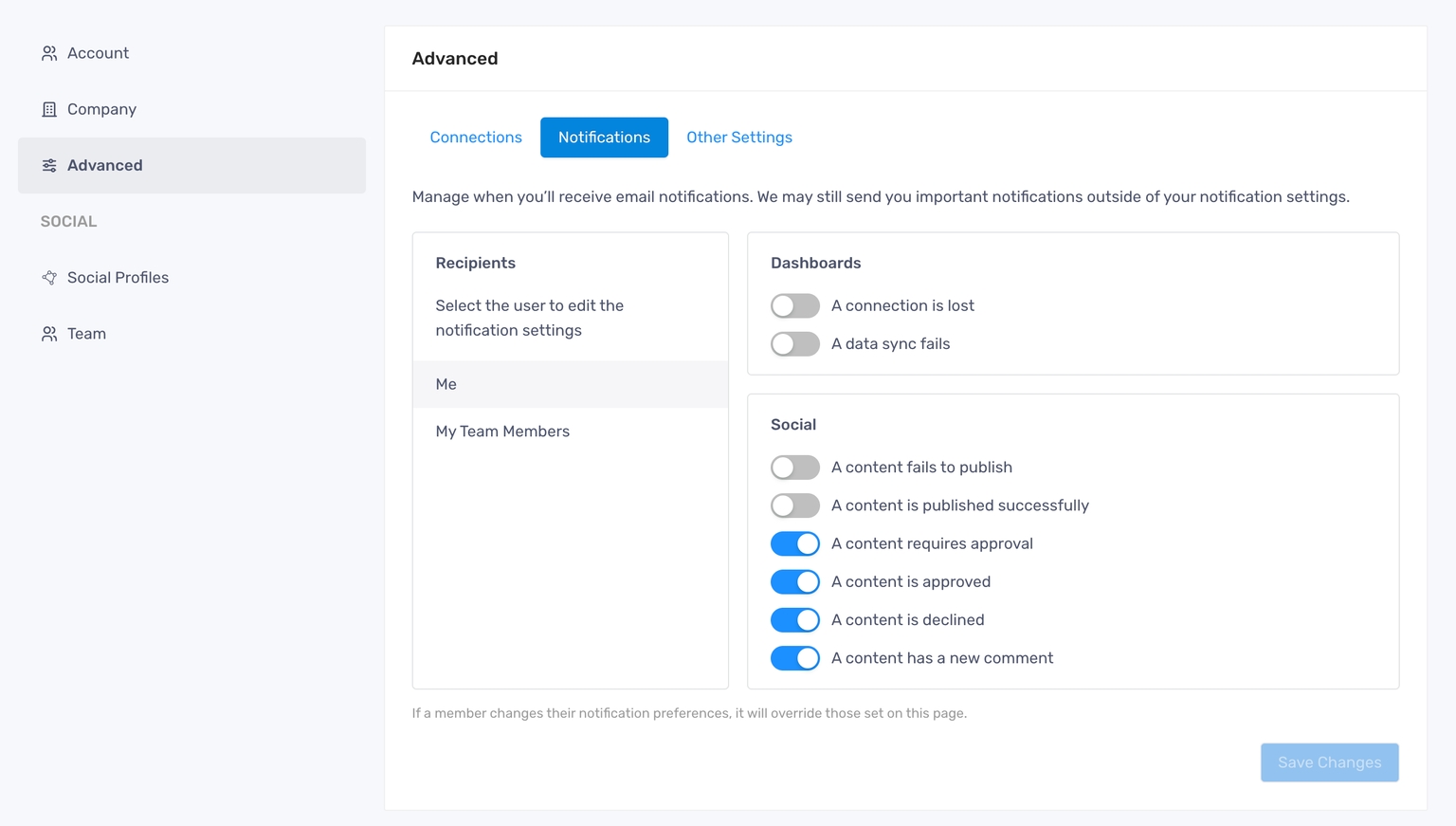
- Click “My Team Members” and adjust the toggles there
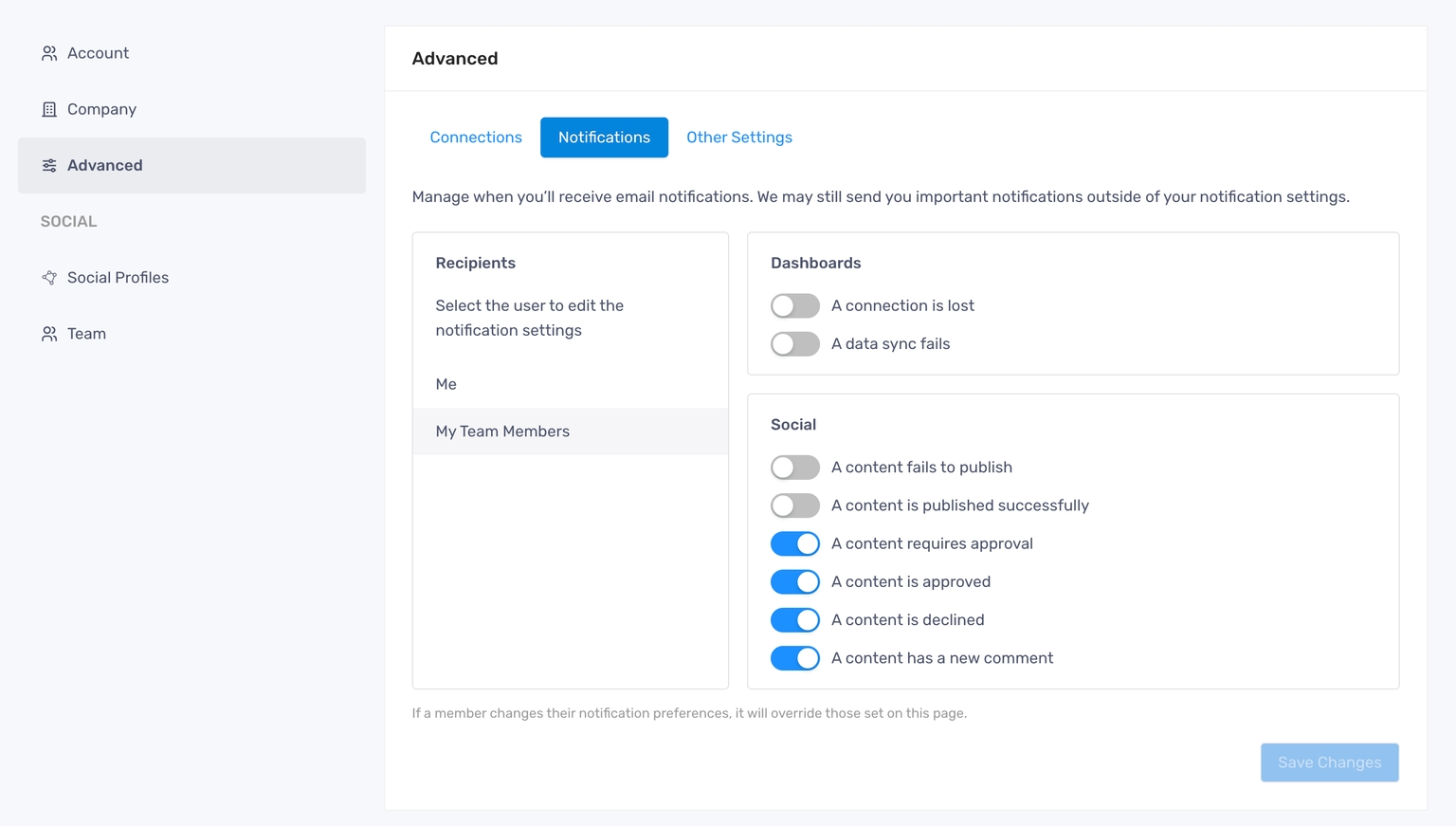
- Click “Save Changes” to finish
Each company will have separate notification settings.