Manage Integrations
Overview
Section titled “Overview”After you created an accound and log in, the dashboards would be empty. To start pulling the data into it, you need to set up the integrations to the following third-party apps:
- Callrail
- Gravity Forms
Locate the Integrations tab
Section titled “Locate the Integrations tab”- Log in to your account at app.rocketlevel.com
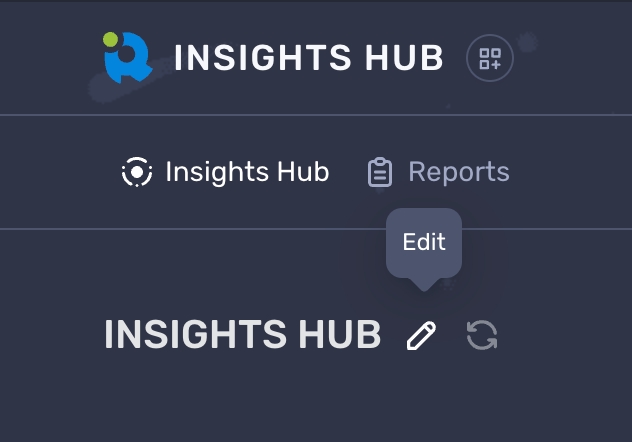
- Go to the Insights Hub dashboard and click the “Edit” icon button
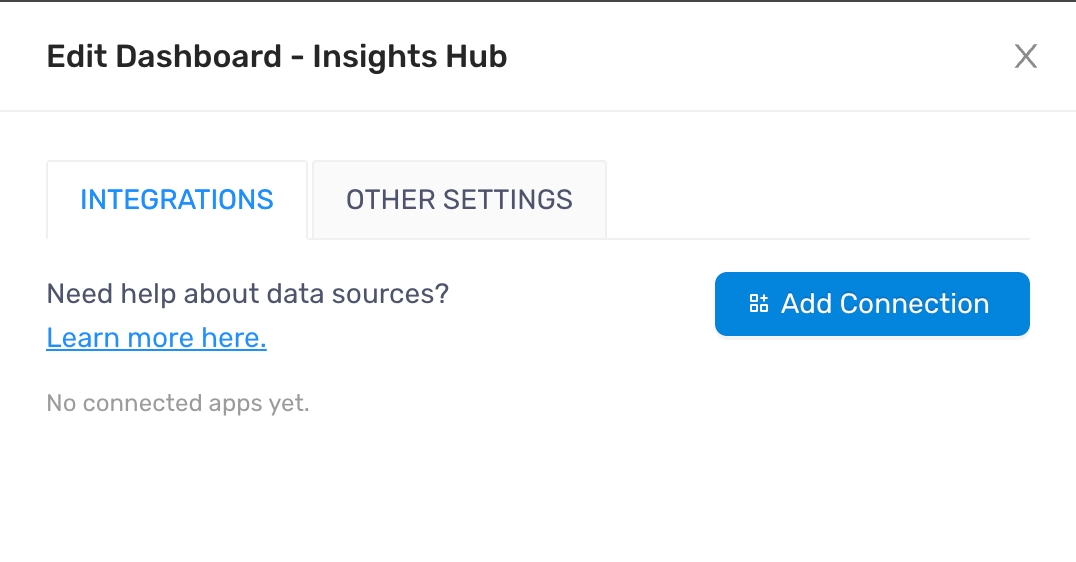
- On the Edit Dashboard panel, you see the Integrations tab where you can connect third-part apps