

Usage & Billing
Locate the Usage & Billing
Section titled “Locate the Usage & Billing”-
Go to app.rocketlevel.com and log in to your account
-
Navigate to your profile picture on the upper right corner
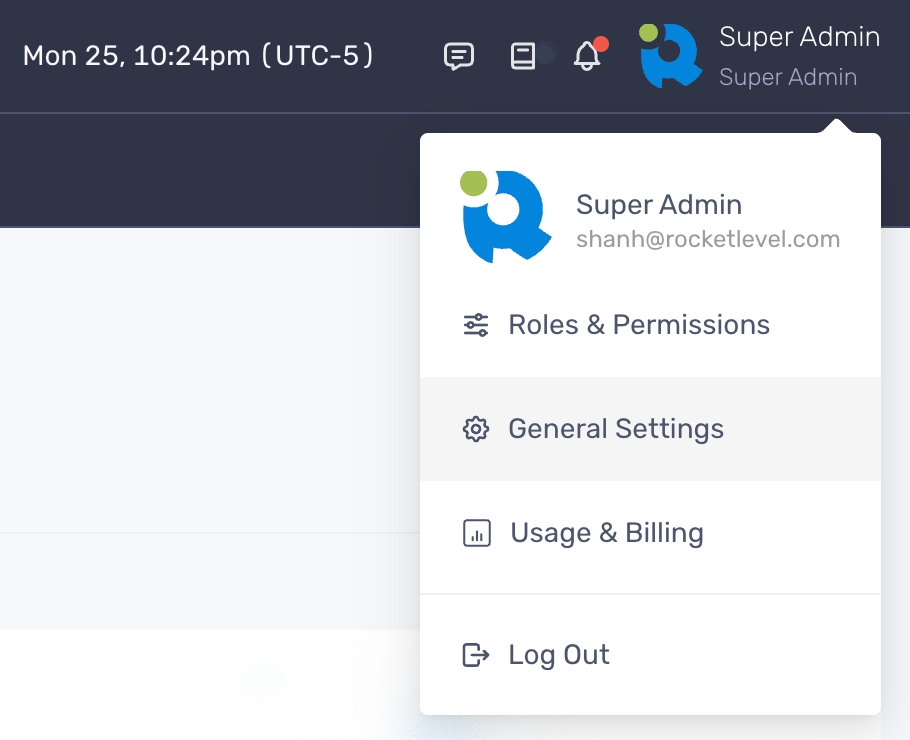
- Select “Usage & Billing”
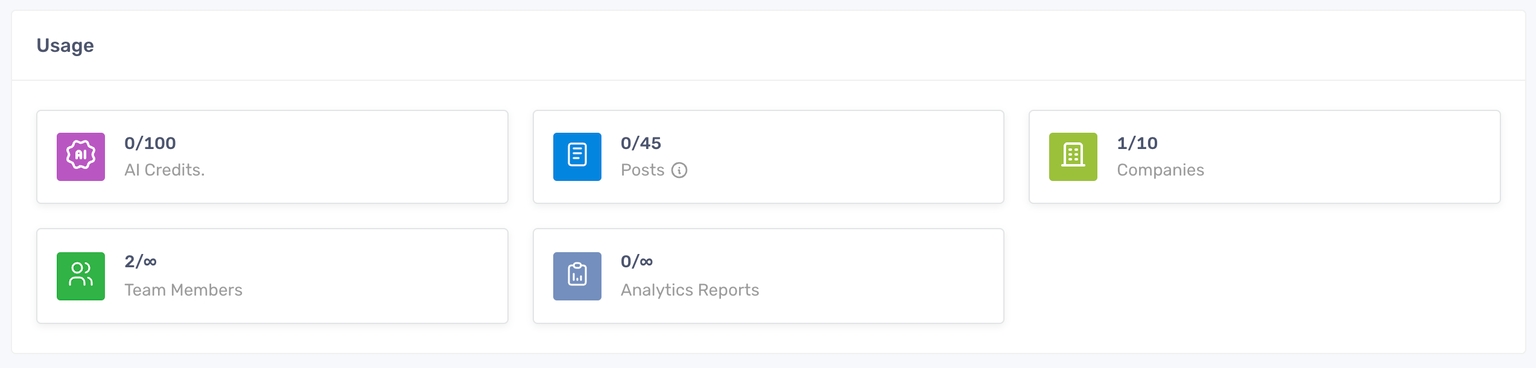
On the page, you can find the usage limit the plan you’ve currently subscribed to. You can also view your plan type, the renewal date and billing information.
Understand your plan usage
Section titled “Understand your plan usage”Each plan will have a determined usage and the usage will be reset after every billing cycle.
Manage your billing information
Section titled “Manage your billing information”- On the Usage & Billing, click the “Manage Billing” button on the Billing section and you will be redirected to a Stripe-powered page

- To add a payment method, click “Add payment method” and enter the required fields.
- To update billing address, click “Update information” and make changes to the current information.
- To view the invoices, click the Link icon next to the invoice date and the invoice is opened in new tab.