

Cancel Your Plan
Cancel your plan
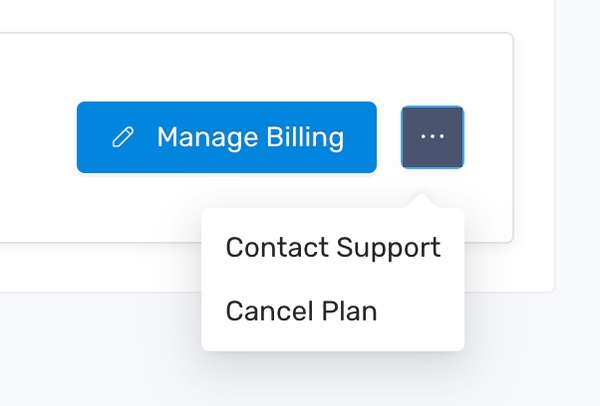
Section titled “Cancel your plan”- To cancel your plan, click the 3 dots icon and select “Cancel plan”
- On the confirmation dialog, click “No, please cancel” to finish
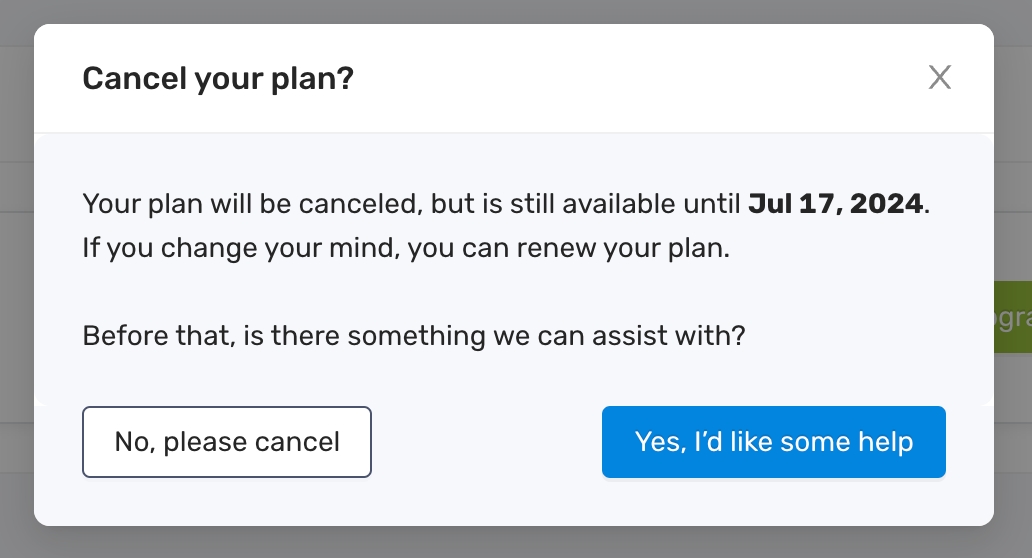
After the cancellation, a notification email will be sent to your inbox and you’ll be able to use the app until the effective date of the cancellation. After that, you will have the view-only access to the app.